
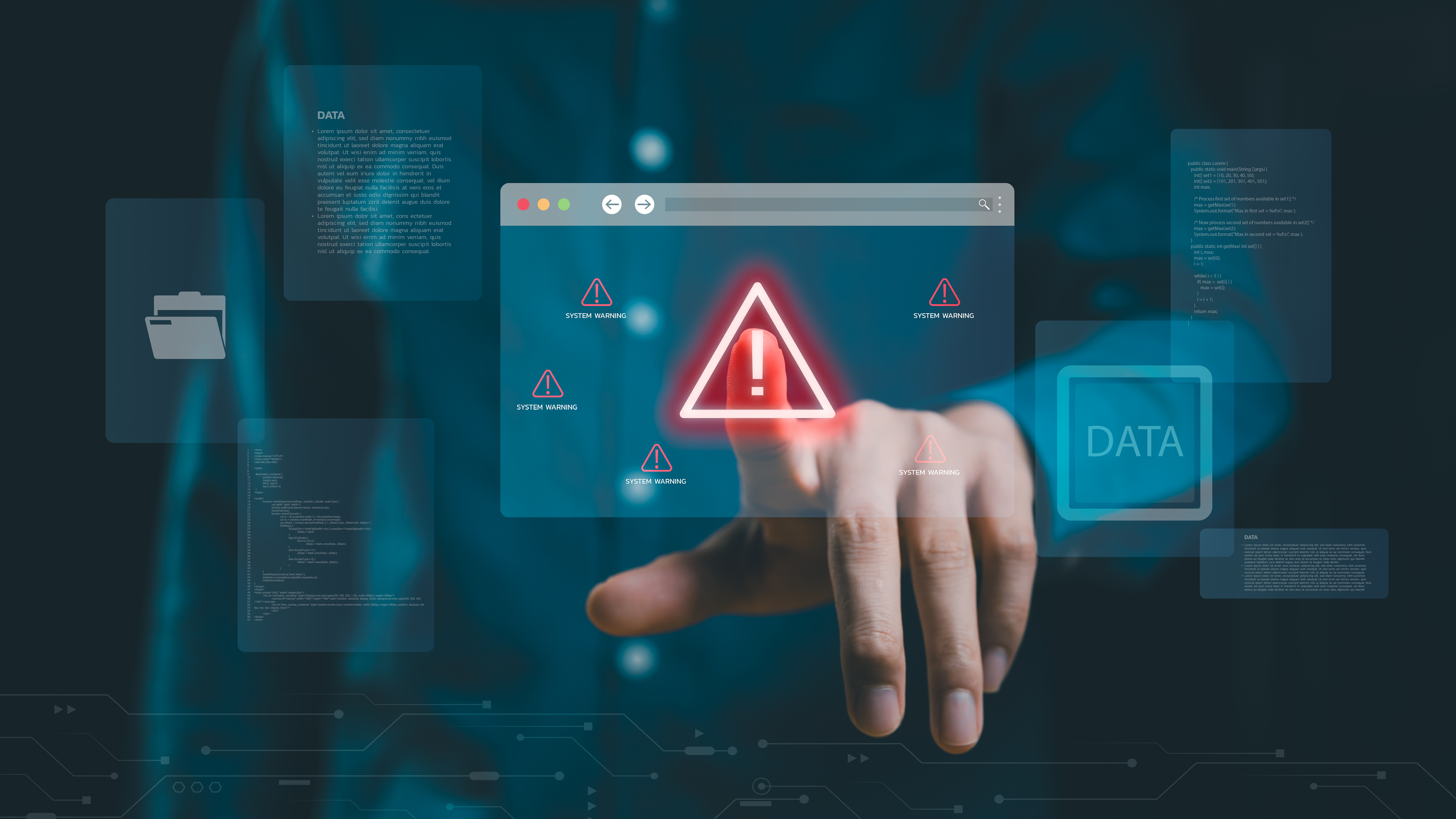
5 Common Causes of Data Loss and Simple Ways to Avoid Them
Meet the passionate team at CaliPhonia, where affordable computer repairs meet expert craftsmanship. Situated in the heart of Silicon Valley, our family-owned workshop boasts over a decade of experience in cell phone and computer repairs, micro-soldering, and wireless networks. From virus and spyware removal to home and business network installations, our skilled experts offer free in-office diagnostics and delivery within a 20-mile radius. Let us breathe new life into your devices today. Contact us and experience the CaliPhonia difference.
Introduction
It usually starts as a normal day.
You open your laptop, ready to continue work, check your files, or revisit something important. But instead of progress, you find confusion. A missing folder. A corrupted file. A system that refuses to cooperate.
In seconds, everything changes.
Data loss is not just about files disappearing. It is about interrupted work, lost memories, broken workflows, and sometimes financial impact. In a fast-moving environment like Palo Alto, where digital work drives everything, losing data can feel like losing control.
But here is the truth most people overlook: data loss is rarely random. It is often predictable and preventable.
By understanding the common causes of file loss, you can take simple yet powerful steps to protect your files. This guide is designed to give you practical, real-world data loss prevention tips that you can start using immediately.
The Hidden Nature of Data Loss
Data loss does not always arrive with warning signs. It often hides behind everyday actions:
- A rushed deletion
- A skipped backup
- A delayed update
These small moments build up. And then one day, they catch up.
Learning how to protect digital data is not about complicated systems. It is about awareness, habits, and consistency.
Cause 1: Human Error – The Small Mistakes That Matter
Let’s start with the most common and overlooked cause.
People.
Not because of carelessness, but because of speed. In a busy workflow, decisions happen quickly. And sometimes, too quickly.
How It Shows Up
- Accidentally deleting files
- Overwriting important documents
- Moving folders without realizing it
Why It Happens
When you are multitasking or working under pressure, your attention shifts. A single wrong click can lead to permanent consequences.
Simple Ways to Avoid It
- Use file version history whenever possible
- Enable confirmation prompts before deletion
- Limit editing permissions in shared environments
Real Insight
Many businesses in Palo Alto have experienced data loss not due to system failure but because someone assumed a file was no longer needed.
Takeaway
Awareness is your first line of defense.
Cause 2: Hardware Failure – When Technology Reaches Its Limit
Devices are reliable, but not invincible.
Every hard drive, SSD, or storage device has a lifespan. And when it reaches that limit, failure can happen without warning.
How It Shows Up
- Sudden system crashes
- Files that no longer open
- Drives that stop responding
Why It Happens
- Physical wear over time
- Heat damage
- Internal component failure
Simple Ways to Avoid It
- Replace older devices before they fail
- Monitor system performance regularly
- Avoid overloading storage devices
Real Insight
Relying on a single device is one of the biggest risks. Many people assume their system will last longer than it actually does.
Takeaway
Your device is temporary. Your data should not be.
Cause 3: Cyber Threats – The Invisible Risk
Not all data loss is accidental.
Some of it is intentional.
Cyber threats have evolved significantly, especially in technology-focused areas like Palo Alto. From ransomware to phishing attacks, the goal is simple: gain access and disrupt.
How It Shows Up
- Files are getting locked or encrypted
- Unauthorized access to systems
- Suspicious system behavior
Why It Happens
- Weak passwords
- Clicking unsafe links
- Outdated security systems
Simple Ways to Avoid It
- Use strong, unique passwords
- Enable multi-factor authentication
- Keep software and security tools updated
Real Insight
Most cyber incidents start with something simple, like clicking a link in a legitimate-looking email.
Takeaway
Security is not just about tools. It is about behavior.
Cause 4: Software Issues – When Systems Break Down
Even well-designed systems can fail.
Software glitches, incomplete updates, or compatibility issues can lead to corrupted files or inaccessible data.
How It Shows Up
- Files that refuse to open
- Applications crashing repeatedly
- System errors during updates
Why It Happens
- Interrupted updates
- Conflicts between programs
- Bugs within the software
Simple Ways to Avoid It
- Keep systems updated regularly
- Avoid shutting down during updates
- Use trusted software sources
Real Insight
Many data issues arise during rushed or interrupted updates.
Takeaway
Stability matters more than speed when it comes to software.
Cause 5: No Backup Strategy – The Biggest Risk of All
This is the turning point for most people.
Everything works fine until it does not. And when it does not, the absence of a backup becomes painfully clear.
How It Shows Up
- Permanent file loss
- No recovery options
- Rebuilding work from scratch
Why It Happens
- Delaying backups
- Assuming files are safe
- Relying on one storage location
Simple Ways to Avoid It
This is where effective backup and recovery strategies come into play:
- Schedule automatic backups
- Use both cloud and local storage
- Keep multiple copies of important data
Real Insight
People often realize the importance of backups only after they need them.
Takeaway
If it is not backed up, it is at risk.
Turning Awareness into Action
Understanding risks is one thing. Acting on them is another.
Here is how you can build a reliable system for how to protect digital data in everyday life.
1. Create a Backup Routine
Consistency matters more than complexity. Even a simple daily backup can make a difference.
2. Combine Cloud and Physical Storage
Cloud offers accessibility. External drives offer control. Together, they create balance.
3. Automate Wherever Possible
Automation removes the chance of forgetting.
4. Test Your Recovery Process
A backup is only useful if it works when needed.
Why This Matters More in Palo Alto
Palo Alto is not just another city. It is a hub of innovation, startups, and digital growth.
Here, data is more than information. It represents:
- Ideas in progress
- Business operations
- Financial data
- Personal creativity
Losing data in such an environment is not just inconvenient. It can slow down progress and disrupt momentum.
That is why applying data loss prevention tips is not optional. It is part of staying efficient and competitive.
A Smarter Mindset for the Digital Age
Think of data protection like health.
You do not wait for a problem to start taking care of yourself. You build habits early.
The same applies here.
By understanding the common causes of file loss and acting early, you significantly reduce risk. You move from reacting to problems to preventing them.
Key Takeaways
- Human error is the leading cause of data loss
- Hardware and software failures are unavoidable but manageable
- Cyber threats require constant awareness
- Backups are essential, not optional
- Strong backup and recovery strategies create long-term security
- Simple, consistent habits can prevent major disruptions
FAQs
1. What are the most common causes of file loss?
The most common causes include human error, hardware failure, cyberattacks, software issues, and a lack of backups.
2. How can I start protecting my data today?
Begin with automatic backups, secure your devices, and avoid storing important data in a single location.
3. Is cloud storage enough for data safety?
Cloud storage is helpful, but combining it with local backups provides better protection.
4. How often should backups be done?
Daily backups are ideal for frequently used files, especially for work-related data.
5. Why are backup and recovery strategies important?
They ensure that even if something goes wrong, your data can be restored quickly without major disruption.
Conclusion
Data loss can feel sudden, but it is rarely unavoidable.
In most cases, the warning signs were there. The habits just were not.
The difference between losing data and protecting it comes down to preparation.
By applying practical data loss prevention tips, understanding the common causes of file loss, and building reliable backup and recovery strategies, you create a system that works quietly in the background, keeping your digital life secure.
In a world driven by information, protecting your data is not just a task. It is a responsibility.
For directions, use this helpful Google Map or get step-by-step navigation through Get Directions.
Remember: Your data is part of your daily life, your work, and your progress. Protecting it does not require complex systems, just consistent habits and a simple plan that you follow every day.
Disclaimer: This content is for general informational purposes only and should not be considered professional IT advice. Always consult a qualified professional for guidance specific to your systems and data security needs.